Google Business Profile for Bali Businesses: A Complete Setup Guide
A complete Google Business Profile is the single most important free marketing tool for a Bali business that customers visit in person. It controls how you appear on Google Maps and in local search results, and for many travelers it is the first thing they see when they search “near me.”
Restaurants, spas, rental shops, clinics, and attractions all depend on Maps visibility. Yet many Bali profiles are incomplete, have outdated hours, or have never replied to a review. Fixing that costs nothing but time.
Step 1: Claim and verify your profile
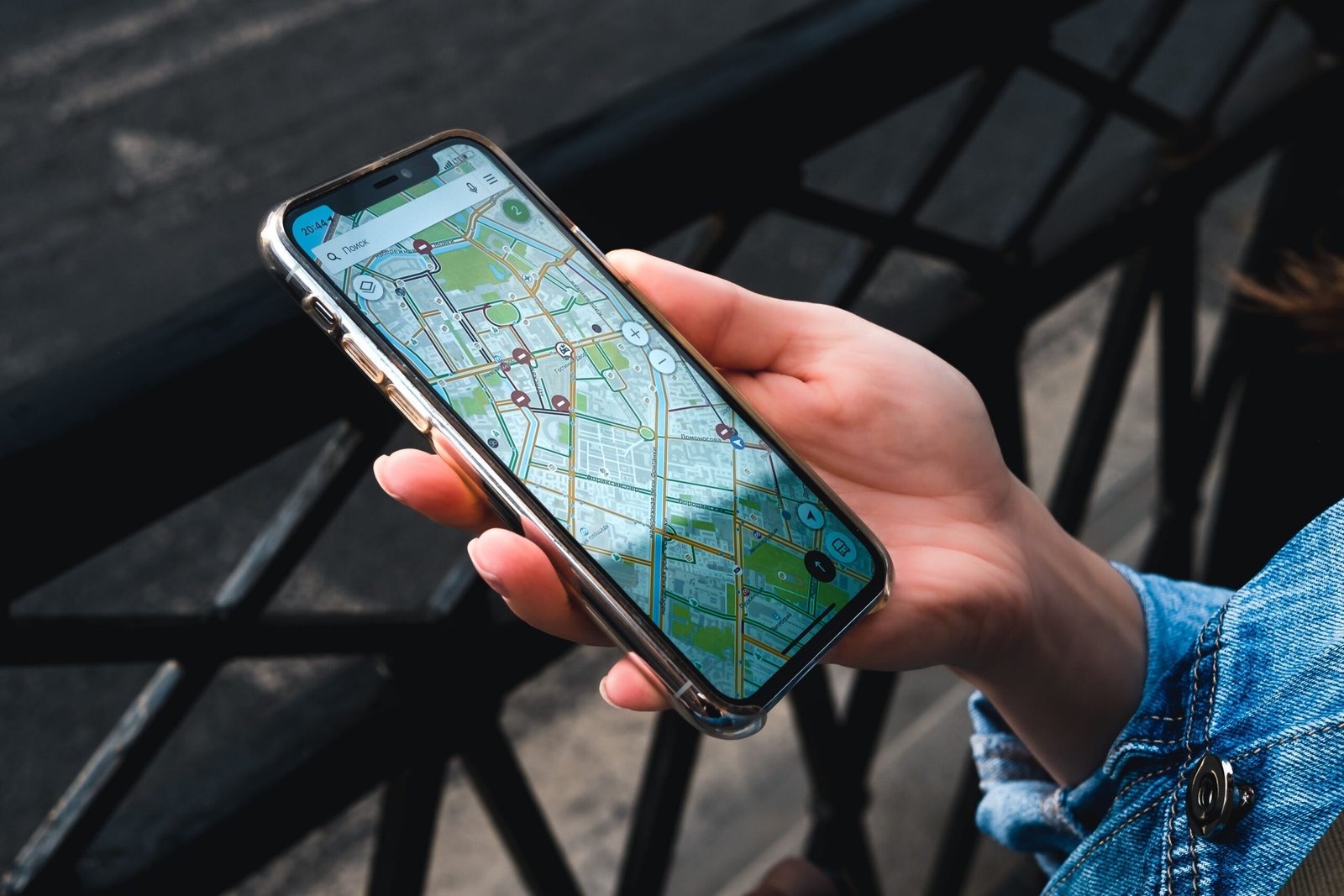
Search for your business on Google Maps. If it already exists, claim it. If not, create a new profile at business.google.com. Google will ask you to verify that you own the business, usually through a video, phone, or postcard method depending on what it offers your listing.
Use a Google account owned by the business, not a personal account of a staff member who might leave.
Step 2: Get the basics exactly right
Business name. Use your real business name only. Adding keywords like “Best Spa Seminyak” to the name breaks Google’s guidelines and can get your profile suspended.
Category. Choose the most specific primary category (for example “Balinese restaurant” rather than just “Restaurant”), then add secondary categories that genuinely apply.
Address and pin. Bali addresses can be confusing. Make sure the map pin sits exactly on your entrance, so guests do not end up on the wrong lane.
Hours. Keep regular hours accurate and update special hours for holidays such as Nyepi, Galungan, and Christmas.
Contact details. Add a phone number that works with WhatsApp, your website, and a reservation or booking link.
Step 3: Add photos that sell
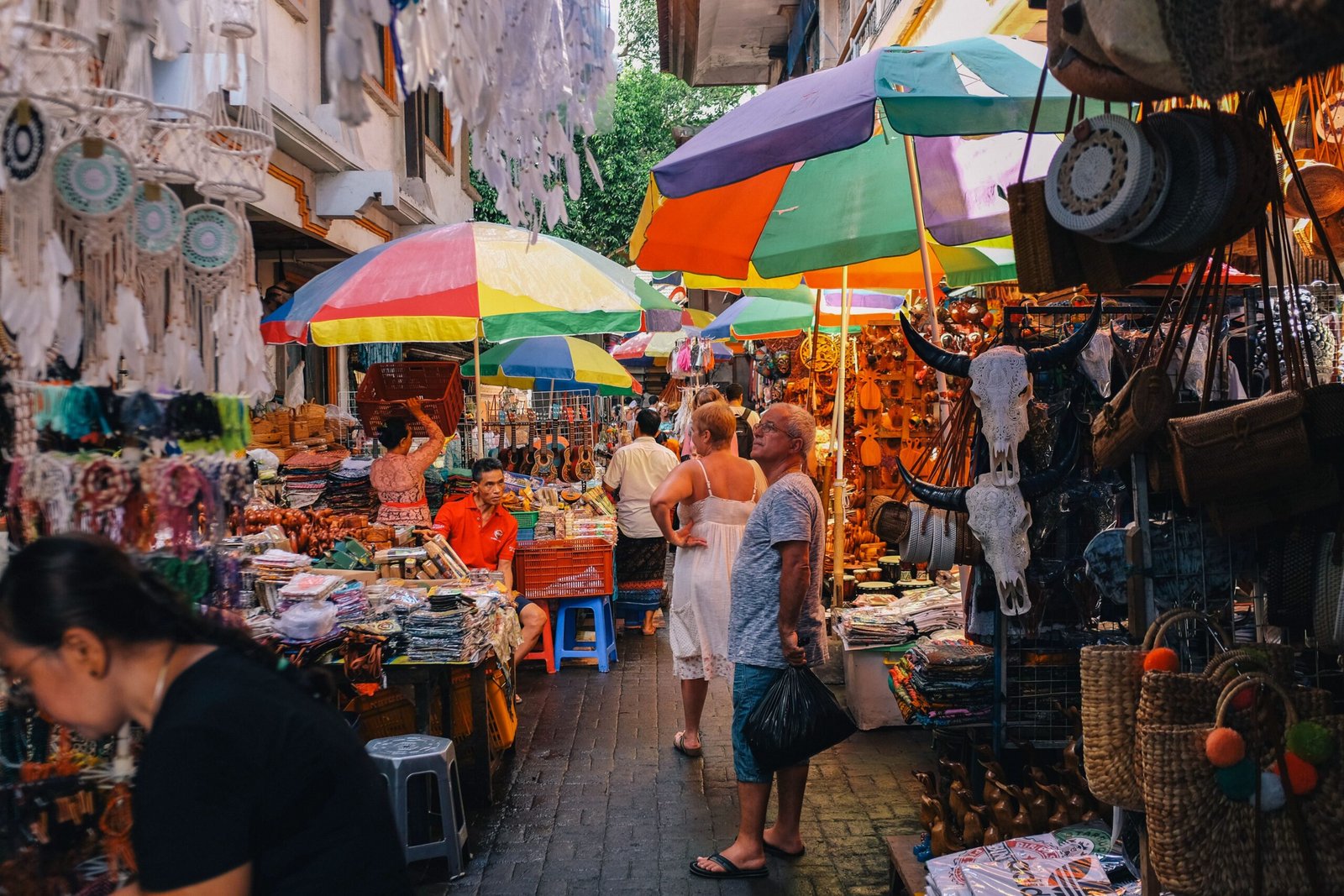
Profiles with more quality photos tend to attract more clicks and direction requests. Add:
- Exterior, so people recognize you on arrival
- Interior and atmosphere
- Your best dishes, rooms, or treatments
- Team photos, which add trust
- Short videos if available
Update photos regularly. Guests also upload photos, so make sure your own set shows you at your best.
Step 4: Write a clear description
Use the description to say what you offer, where you are, and what makes you different, in plain language. Mention your area naturally (“in central Ubud, five minutes from the Monkey Forest”) without stuffing keywords.
Step 5: Manage reviews actively
Reviews influence both your Maps ranking and a traveler’s decision.
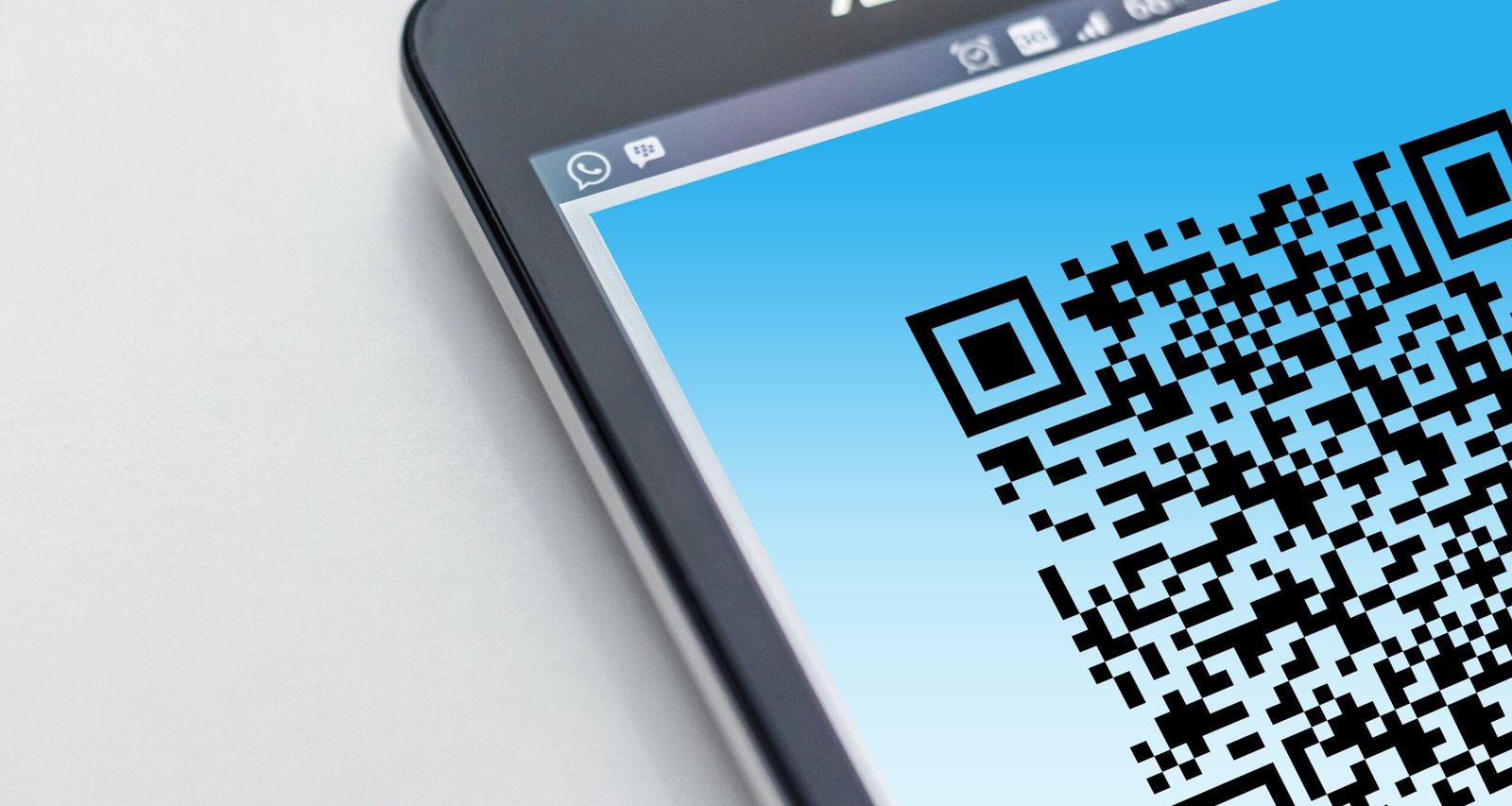
Ask for reviews. A QR code at the table, front desk, or on the receipt makes it easy. Ask guests right after a good experience.
Reply to every review. Thank people for positive reviews. For negative ones, respond calmly, acknowledge the issue, and explain what you have done about it. Future customers read your replies.
Never buy fake reviews. Google removes them and can penalize the profile.
Step 6: Use posts, products, and Q&A
- Posts: share events, offers, and new menu items. They show on your profile.
- Menu or services: list them with prices where possible.
- Questions and answers: add common questions yourself, such as parking, Wi-Fi, or vegetarian options, and answer them.
Connect your profile to Google Ads
Linking Google Business Profile to Google Ads lets your address and directions appear in ads, and helps local campaigns reach people nearby. Our Indonesian guide on Google Ads strategy in Bali explains location targeting in detail.
Read also: How to Market a Restaurant or Beach Club in Bali with Paid Ads
FAQ: Google Business Profile in Bali
Is Google Business Profile free?
Yes. It costs nothing to create and manage.
How long does it take to appear on Maps?
Usually a few days after verification, though it can take longer in some cases.
Can I have a profile without a physical location?
Service businesses that visit customers can hide their address and set a service area instead.
Should I respond to reviews in Indonesian or English?
Reply in the language the reviewer used.
Get found by more customers nearby
Skipjack Digital is a performance marketing agency operating from Denpasar since 2020, running Google Ads, Meta Ads, and TikTok Ads for Bali businesses. We can review your Google presence and connect it to campaigns that bring in more visits.