Click-to-WhatsApp Ads: A Complete Setup Guide on Meta
Click-to-WhatsApp ads are Facebook and Instagram ads that open a WhatsApp conversation with your business when someone taps them. Setting them up takes four things: a WhatsApp Business number connected to your Meta assets, the right campaign objective, a well-written opening message, and a way to record what each conversation turns into.
For businesses in Indonesia, where so many purchases start with a question in chat, this format can shorten the path from interest to sale dramatically. But a rushed setup often produces lots of “hi, how much?” messages and very few customers. This guide walks through each step so your campaigns start on solid ground.
Step 1: Prepare your WhatsApp Business account
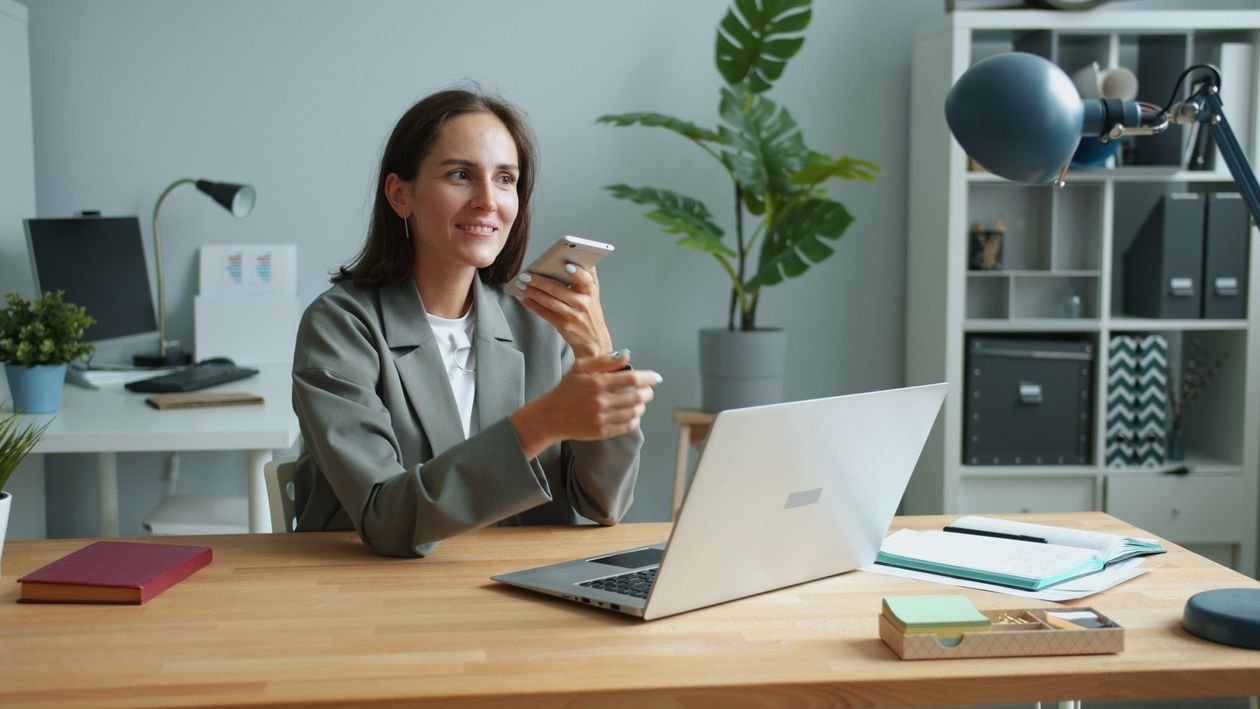
Use the WhatsApp Business app or the WhatsApp Business Platform (API), not a personal number. Before running ads, complete your profile:
- Business name, category, and description
- Address and opening hours
- A greeting message and an away message
- Quick replies for common questions such as price, location, and availability
- A product or service catalog, if relevant
- Labels to sort chats, for example “Ad lead”, “Booked”, “Follow up”
If you expect high chat volume or need CRM integration, read our comparison of the WhatsApp Business App and the Business Platform.
Step 2: Connect WhatsApp to your Meta assets
In Meta Business Suite or your Facebook Page settings, link your WhatsApp Business number. You will receive a verification code on WhatsApp to confirm ownership. Once connected, the number becomes available as a destination when you create ads.
Make sure the person setting this up has the right permissions in Business Manager, and that the number is owned by the business, not an individual staff member.
Step 3: Choose the right campaign objective
In Ads Manager, several objectives can send people to WhatsApp. The one you choose tells Meta what kind of person to look for.
Engagement — Conversion location: messaging apps, WhatsApp. Best for starting many conversations and testing demand.
Leads — Conversion location: messaging apps, WhatsApp. Best for qualified inquiries, especially with tracked lead events.
Sales — Conversion location includes WhatsApp. Best for optimizing toward purchases, when purchase events are tracked.
The more your setup can tell Meta which conversations became real customers, the better the higher-intent objectives perform. We compare them in detail in our Indonesian guide on choosing a Click-to-WhatsApp objective.
Read also: Memilih Tujuan Kampanye Click-to-WhatsApp: Engagement, Leads, atau Sales
Step 4: Set targeting and placements
Keep targeting simple and relevant:
- Location that matches where you can actually serve customers, or delivery and travel areas
- Language that matches the team who will reply
- Broad or Advantage+ audiences when tracking is strong; tighter interest or custom audiences for testing
- Placements: Instagram Reels, Stories, and Feed often perform well; let Meta optimize unless you have a clear reason not to
Remember that every conversation needs a reply. Do not target more people than your team can handle.
Step 5: Write the ad and the opening message
The ad itself should make one clear promise and invite one clear action: “Chat with us to check availability”, “Ask for this week’s menu”, “Get your size recommendation.”
Then set up the message template people see when WhatsApp opens. You can add a prefilled greeting and frequently asked questions as tappable options. Good options guide people to share useful details straight away. We cover this in Writing the first message.
Step 6: Prepare the team before launch
Before switching ads on, agree on:
- Who replies and during which hours
- Target response time, ideally within minutes during working hours
- Qualifying questions to ask early: date, quantity, budget, location
- How to log each chat: source, status, and value
- An away message that sets expectations outside working hours

Step 7: Measure what matters
Meta reports “messaging conversations started.” That is useful, but it is not revenue. To understand results:
- Label chats that came from ads and track how many became sales
- Record the value of each sale
- Compare cost per conversation with cost per sale
- Upload outcomes back to Meta when possible, so the algorithm learns which people actually buy
Our Indonesian guide to tracking WhatsApp from ads explains simple and advanced options.
Read also: Cara Melacak Leads WhatsApp dari Iklan Meta dan Google untuk Bisnis di Bali
A note on WhatsApp costs
The WhatsApp Business app is free. On the Business Platform, Meta charges per message for some categories. When a customer messages you from a Click-to-WhatsApp ad and you reply in time, a free entry point window of up to seven days opens, during which your messages are not charged. Check current rates in Meta’s official pricing documentation, as they can change at the start of each quarter.
FAQ: Click-to-WhatsApp Ads
Do I need a website to run Click-to-WhatsApp ads?
No. The ad opens WhatsApp directly, which makes it a good option for businesses without a strong website.
Can I use the same number for ads and existing customers?
You can, but labels or separate numbers make it much easier to measure ad results.
Which objective should I start with?
Many businesses start with Engagement to learn, then move to Leads or Sales once they can track which chats convert.
Why are my conversations cheap but sales low?
Usually because the objective, ad message, or opening questions attract casual inquiries. Tighten the offer and qualify early.
Launch Click-to-WhatsApp the right way
Skipjack Digital is a performance marketing agency based in Denpasar, an official Meta, Google and TikTok partner with more than IDR 25 billion ad spend managed. We set up Click-to-WhatsApp campaigns together with the chat flow and tracking that turn conversations into sales.